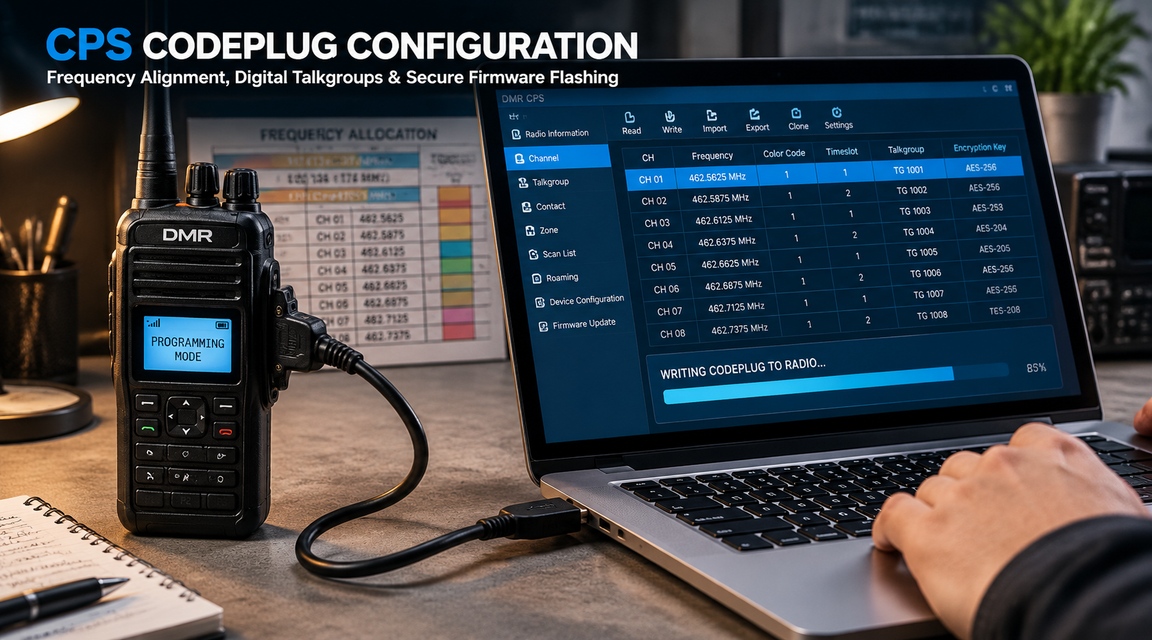
Two way radio programming cable: genuine, third-party and bulk buying
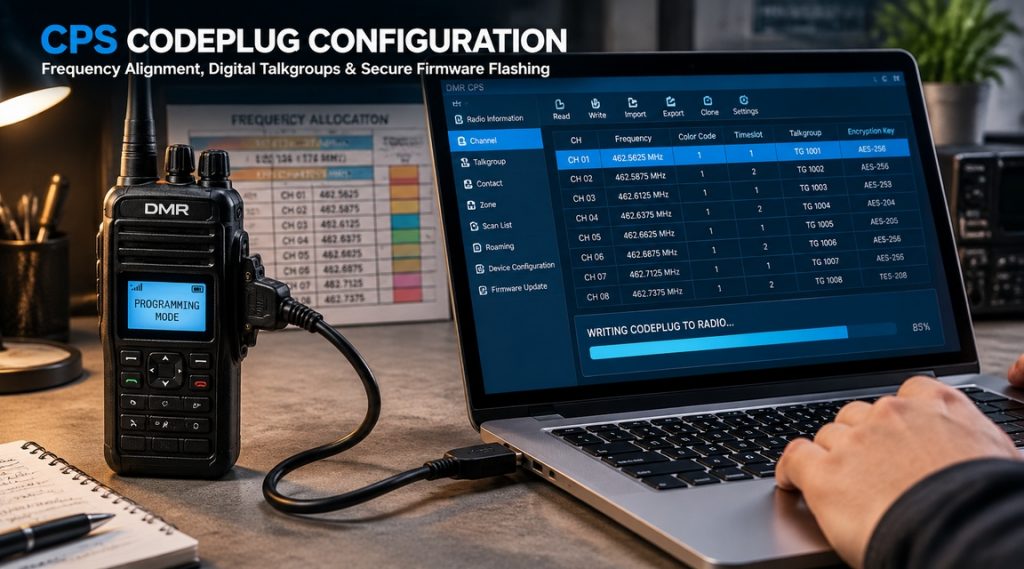
A programming cable is the cheapest item on the order and the fastest way to stop a fleet from being configured. It carries no radio traffic. It only works a few minutes at a time. Then a driver update, a cloned chip or a bent pin takes the whole programming bench offline.
Buyers usually discover this after the fact. The radios arrive, the software installs, and the cable is the one item nobody specified. This guide treats the two way radio programming cable as what it is: an interface with a chip, a driver and a mechanical tolerance, not a passive wire.
It covers what the cable really does, where genuine and third-party parts differ, why drivers fail, how to identify your connector, and how to buy in volume without inheriting a drawer of cables that only work on one laptop.
What a programming cable actually does
The radio’s programming port is a serial interface. It expects logic-level signals at a specific voltage. A computer offers USB. Something has to sit between the two, and that something is the cable.
The cable is an interface, not a wire
Inside the moulded shell there is a small circuit board. It converts USB to serial, shifts voltage levels, and often adds protection against electrostatic discharge. The connector at the radio end is wired to a specific pinout that varies by brand and by model family.
That is why two cables that look identical can behave differently. One has a level shifter and a genuine chip. The other has a resistor and a cloned chip that reports the same name to the operating system.
Three link types you will meet
The first type is a legacy serial cable with a nine-pin connector. It needs a serial port or a USB-to-serial adapter, and it is still common on older equipment.
The second type is USB-to-TTL. A chip handles USB, and the cable presents TTL-level signals to the radio. This is the most common design in low-cost cables, and the one with the widest quality range.
The third type is native USB. The radio itself contains the USB interface, and the cable is close to a plain lead. Newer models increasingly use this, sometimes over USB-C.
Where the level shifting happens
Level shifting can sit in the cable, in the radio, or in neither. If the radio expects 3.3 V logic and the cable delivers 5 V, the port is over-driven. It may work for a year and then fail, which makes the fault hard to trace back to the cable.
Ask the supplier which logic level the cable presents. A supplier who cannot answer that question is selling a lead, not an interface.
Charge-only USB cables are not programming cables
Many USB cables are shipped to charge a device. Inside, only the power and ground conductors are connected. The two data conductors are missing, because the product never needed them.
Plug one of these between a laptop and a radio and nothing happens. The device manager shows no new port, the software reports that no radio is connected, and the operator concludes that the radio or the software is faulty. The cable is simply not a data cable.
The confusion grows because the plugs are identical. Keep programming cables in their own labelled bag, and never take a cable out of a charger box. If a cable is unmarked, test it on a known radio before you trust it on a fleet.
Genuine versus third-party: the real differences
The price gap is large enough to make the question worth asking. A two way radio programming cable from the radio manufacturer can cost several times the aftermarket equivalent. The difference is not only the brand on the moulding.
What you pay for in a genuine cable
Four things cost money. A genuine interface chip with a stable driver history. A connector moulded to the tolerances of the radio socket. Shielding and strain relief that survive daily use on a bench. And warranty support that replaces the cable rather than explaining it.
There is also a documentation benefit. A genuine cable is listed in the model’s accessory catalogue, so the pairing is traceable in an audit or a service record.
Where third-party cables are acceptable
A good third-party cable is a reasonable choice for bench work, for a spare kit and for models that are out of production. Many workshops run them for years without trouble.
The condition is that the cable is specified rather than assumed. Ask which chip it uses, which logic level it presents, and whether the pinout is a straight copy of the manufacturer design. Those three answers separate a working tool from a lottery ticket.
Where they fail: connector tolerance and shielding
The most common failure is mechanical. A slightly oversized plug spreads the contacts in the radio socket. The radio then works with that one cable and fails with every other, which is a fault that follows the radio for the rest of its life.
The second failure is electrical noise. An unshielded cable lying next to a charger or a switching supply can corrupt a write. The programming software reports a checksum error, and the operator blames the radio.
The software compatibility question
Some programming software is written to work with the manufacturer’s interface only. Others accept any serial port. The behaviour varies by brand, by model and by software version, and it is not always documented.
Test one cable before you commit to a batch. Connect it, open the software, read a radio of each model you own, and save the file. If the read succeeds on every model, the cable is usable for that fleet at that software version.
Spotting a counterfeit before it reaches the bench
A counterfeit two way radio programming cable rarely looks wrong in a photograph. It looks wrong in the hand, and it looks wrong to the operating system.
Check four things. The moulding should be clean, with no flash along the seam and a straight, readable logo. The connector plating should be even, not thin at the tip. The weight should match a cable you already trust. And the device should report the chip vendor’s own USB identifier, not a generic one.
Packaging is the weakest signal, because a good box is easy to copy. A missing part number on the bag is a stronger one, and a price far below every other quotation is stronger still.
None of these checks replaces the read test. They only decide which cables deserve the two minutes it takes.
Drivers: the most common failure point
Most cable complaints are driver complaints. The cable is fine, the radio is fine, and the computer refuses to open the port. Understanding the chip inside the shell explains almost every case.
The four chips you will meet
FTDI chips have the longest track record and stable signed drivers. Silicon Labs CP210x parts behave similarly and are common in better-grade cables.
Prolific PL2303 chips appear in a very large number of low-cost cables. Older revisions of this chip were phased out years ago and are not supported by current drivers on recent Windows versions.
WCH CH340 and CH341 chips are the cheapest option and appear in most budget cables. They work, provided the correct vendor driver is installed and kept.
| Chipset | Driver situation | Practical risk |
|---|---|---|
| FTDI | Signed, widely available | Counterfeit chips disabled by a 2014 driver update |
| Silicon Labs CP210x | Signed, stable | Low, if the part is genuine |
| Prolific PL2303 | Old revisions unsupported | Device shows an error and never starts |
| WCH CH340 / CH341 | Vendor driver required | Wrong driver version, or none installed |
Why cloned chips break on Windows
A cloned chip reports the same identity as the original. The driver loads, then refuses to operate, and the device appears with a warning in the device manager. The cable is not faulty in a way a replacement of the same model will fix.
Two events are worth knowing. In 2014 an FTDI driver update disabled devices built around counterfeit FTDI chips, which caused a wave of suddenly dead cables. Prolific drivers have long refused cloned PL2303 parts on newer Windows versions.
The practical lesson is to buy cables whose chipset is stated in writing. A supplier who says compatible chip has told you nothing.
macOS and Apple Silicon notes
macOS has included FTDI support for many years, so an FTDI cable usually appears without extra work. CH340-based cables need a vendor driver, and on Apple Silicon machines that driver must be built for the current architecture.
If your programming bench is a mixed fleet of Windows and Mac machines, standardise on one chipset. A bench where half the cables need a driver and half do not is a bench where people guess.
Driver hygiene for a fleet team
Keep one approved driver package per chipset, with its version number recorded. Install it from a local copy, not from a search result. Block automatic driver updates on the programming laptop if your IT policy allows it.
Record the port name and driver version against each cable. When a cable stops working, that record tells you whether the cable changed or the computer did.
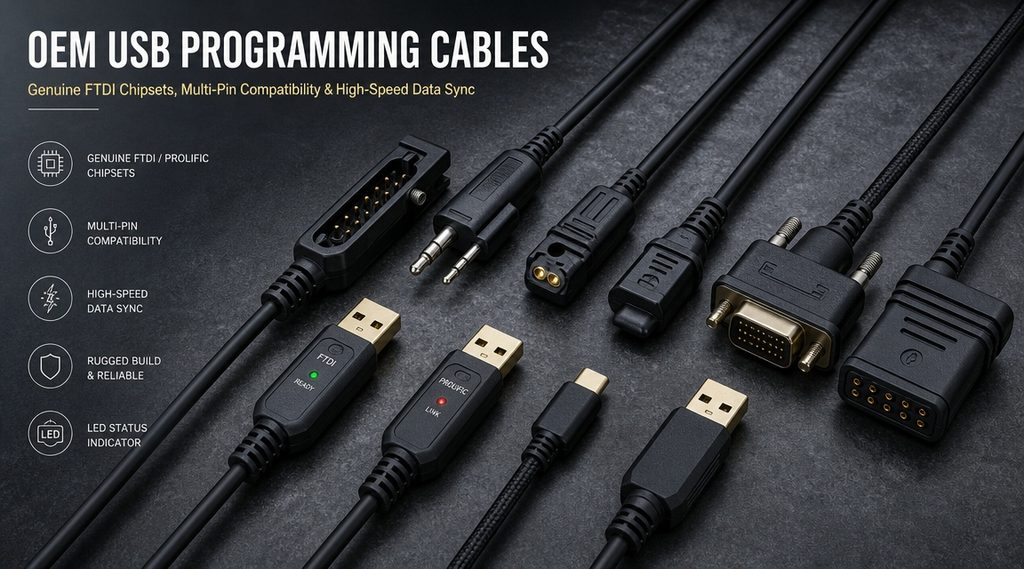
Connector types and how to identify yours
Connector confusion causes more wrong orders than price ever does. Two plugs can share a shell shape and carry a different pinout.
Two-pin 2.5 mm and 3.5 mm
This is the most common arrangement on handhelds. One plug is 2.5 mm and the other is 3.5 mm, and both must be seated for programming to work. The pair carries audio and the programming lines in a fixed assignment.
Do not assume the assignment is the same across brands. A cable wired for one family can key the transmitter continuously on another, which is both a nuisance and a licence problem.
Multi-pin side connectors
Professional handhelds and mobiles often use a multi-pin connector on the side or the rear. The shell is keyed, and the pin count varies by family, commonly between eight and fourteen contacts.
These connectors are where tolerance matters most. A plug that is slightly too wide spreads the contacts, and the radio then needs a service visit that costs more than the cable saved.
USB direct and waterproof variants
Newer models expose USB directly, sometimes through USB-C. On these radios the cable is close to a plain lead, and the interface lives inside the radio.
Waterproof variants add a screw lock or a bayonet collar. They cost more and they are the right choice for a radio that will be programmed in a wet environment rather than on a dry bench.
Reading the pinout before you buy
Ask for the pinout drawing, not a photo. The drawing should show the contact numbering, the signal on each contact and the logic level. Compare it with the service manual for the exact model.
Then check the model suffix. A cable that fits one variant of a family may not fit the version with a different accessory connector, and the suffix is often the only difference in the part number.
Electrical risks that damage radios
A programming cable touches a port that was not designed for abuse. Four failures account for most of the damage we see on service benches.
TTL levels: 3.3 V versus 5 V
A cable that presents 5 V logic to a port designed for 3.3 V over-drives the input. The radio may keep working for months and fail later, long after the cable has moved to another bench.
This is the single strongest argument for specifying the cable rather than buying the cheapest compatible item. The damage is slow, silent and attributed to the radio.
Ground loops and bench power
A radio on charge while connected to a laptop creates two ground paths. The difference between them can appear on the programming line as noise, and in the worst case as current through the port.
Program with the radio on its battery, or with both devices on the same earthed supply. It is a one-line rule that prevents a class of intermittent faults nobody can reproduce.
ESD and hot-plugging
Plugging the connector while the radio is switched on is common practice and usually tolerated. It is still the moment when a static discharge is most likely to reach the port.
Touch the bench frame before picking up a radio, and keep cables off synthetic flooring. Basic practice, rarely written down, and cheap compared with a replacement board.
RF interference during a write
A write takes seconds. A transmission during those seconds can corrupt the data or interrupt the link. Keep the radio away from an active antenna, and do not programme next to a repeater cabinet.
If a write fails, do not simply repeat it. Read the radio first and compare the codeplug with the file. A partially written configuration can leave a radio in a state that needs a recovery procedure.
Bulk purchasing: what to specify
Buying one two way radio programming cable is a small decision. Buying forty is a specification exercise, because a mixed batch creates a support problem that outlives the purchase.
Lock the chipset in the purchase order
Write the chipset, the logic level and the pinout reference into the order. Add a line that substitutes require written approval. Without that line, a supplier can ship a different chip in the same moulding when stock runs short.
Ask for one sample from the production batch, not from the sales desk. A sample that was hand-checked proves nothing about the other thirty-nine.
Quantity: per technician and per model
A workable rule is one cable per technician, plus one per model family, plus a spare. The model count matters more than the headcount, because a cable that fits one family rarely fits the next.
Add a spare for every ten cables in service. Cables fail at the connector first, and a failed cable blocks an entire model until a replacement arrives.
Batch testing on receipt
Test every cable, not a sample. The test takes two minutes and catches the mixed-chip problem before the cables reach a bench.
Record the result against the serial number or the batch label. A supplier who knows you test every unit ships differently from one who knows you test the top of the box.
Warranty, DOA and replacement terms
Agree in writing what happens to a cable that fails in the first month, and who pays the freight. Cables are low-value items, and suppliers often prefer a credit to a replacement shipment, which leaves you buying again.
Ask for the replacement model to be named. If the exact cable is discontinued, you want the successor identified before you need it, not after.
Acceptance test for a cable order
A cable either reads a radio or it does not. The test that proves it takes less time than unpacking the order properly.
The loopback and read test
Start with the driver. Plug the cable in with no radio attached and confirm that the port appears with the expected name and no warning. If the device does not start, stop there and return the cable.
Then connect a radio of each model family and read it. A successful read proves the chipset, the driver, the pinout and the connector tolerance in one step.
Write, verify and compare
Reading is necessary but not sufficient. Write a known configuration to one radio per model, then read it back and compare it with the file you sent.
A cable with a marginal level shift can read reliably and write unreliably. The comparison catches that asymmetry before the cable joins the bench.
What to record per cable
Record five fields. Batch or serial number. Chipset. Driver version installed. Models tested. Result and date.
Keep the sheet with the programming laptop. When a cable fails six months later, the sheet tells you whether it ever passed and which models it was known to work with.
Managing cables in service
A programming bench drifts. Cables accumulate, drivers change, and the one cable that works on the oldest model disappears into a drawer.
Labelling and storage
Label each cable with its chipset and the model families it serves. Store them coiled, not folded, and keep the connector protected.
A cable that lives loose in a toolbox will fail at the strain relief first. A hook and a labelled bag cost almost nothing and double the life of the item.
A dry box and a silica pack are worth the trouble in a humid workshop. Contacts that look clean can carry a thin oxide film that appears only as an intermittent read. A pencil eraser and a contact cleaner solve it in seconds, but only if someone knows to look.
Keep a short note inside the box that lists which cable serves which model. The note outlives the person who wrote it, and it is the difference between a new technician programming a fleet on day one and spending the morning guessing.
Spares and failure patterns
Track where each cable fails. Connector damage, cable break at the moulding, and driver loss are the three patterns we see, in that order.
Driver loss is not a cable failure at all, but it is recorded as one. Keeping the approved driver package on the laptop removes most of those cases from the count.
Version control of codeplugs
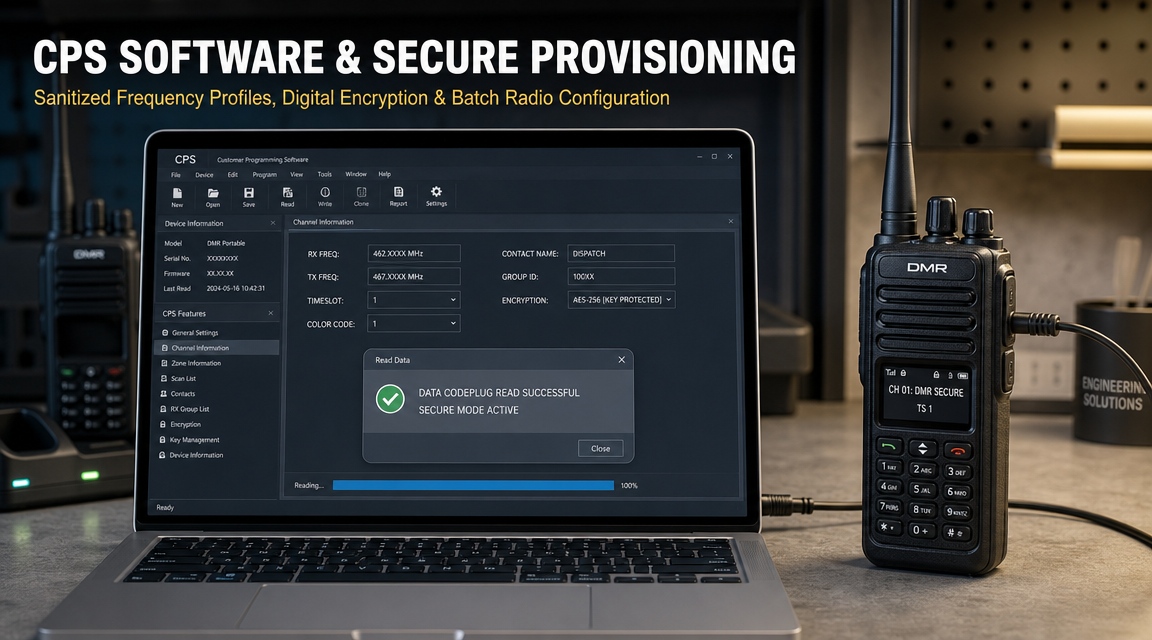
The cable is only half of the programming kit. The other half is the file. Keep one current codeplug per model, with a version number and a date, and a copy of the software version that produced it.
When a radio is replaced, the file goes back in through a tested cable. That is the whole recovery procedure, and it only works if both halves were maintained.
FAQ
Buying and compatibility
Can I use a third-party two way radio programming cable for a whole fleet?
Yes, if the chipset, logic level and pinout are specified and one unit is tested against every model family you own. The risk is not third-party manufacture. It is an unspecified cable that happens to fit.
How do I know which connector my radio needs?
Check the model suffix and the service manual, then ask for the pinout drawing. A photo of a similar plug is not evidence that the pinout matches.
Is a more expensive cable always better?
No. Price correlates with chipset and connector quality, not perfectly. A specified mid-price cable with a genuine FTDI or CP210x part is a better buy than an unbranded cable at either end of the range.
Drivers and faults
The cable appears in device manager but the software cannot open the port. Why?
Usually a driver or chipset mismatch. Check the warning status of the device, then confirm the chipset and install the driver version approved for it. A cloned chip will keep failing whatever you install.
Why did a cable that worked last year stop working?
A driver update is the first suspect, then a Windows version change. Confirm the device status before replacing the cable, because the replacement will fail the same way.
Can a programming cable damage a radio?
It can, through an over-voltage logic level, a wrong pinout or a ground loop during charging. The damage is usually slow, which is why the cable specification matters more than the cable price.
Bulk orders
How many spares should a fleet hold?
About one spare for every ten cables in service, plus one per model family. Cables are cheap compared with a model that cannot be reprogrammed for a week.
Should all cables in an order be the same chipset?
Yes. A mixed batch means several drivers on one laptop and a bench where nobody knows which cable needs which. Lock the chipset in the order and test every unit on receipt.
What should I ask for in the quotation?
Chipset, logic level, pinout reference, connector type, warranty term and the name of the replacement model. If a quotation omits the chipset, the cable is unspecified by definition.
Summary
A two way radio programming cable is a small interface with three failure points: the chip, the driver and the connector. Each one is manageable if it is written into the specification, and expensive if it is discovered on the bench.
For a single cable, buy the manufacturer part and move on. For a fleet, specify the chipset and logic level, standardise the driver, test every unit with a read and a verified write, and keep the record with the laptop.
Send us the radio models and the software version you use, and we will confirm which cables, connectors and drivers match your fleet. Contact our sales manager directly.
Sales Manager: Kevin
WhatsApp: +852 60731163
WeChat: +8616623617128
Email: fengfanannie@163.com