DMR radio ID planning: allocation, batch writing and collision tracing
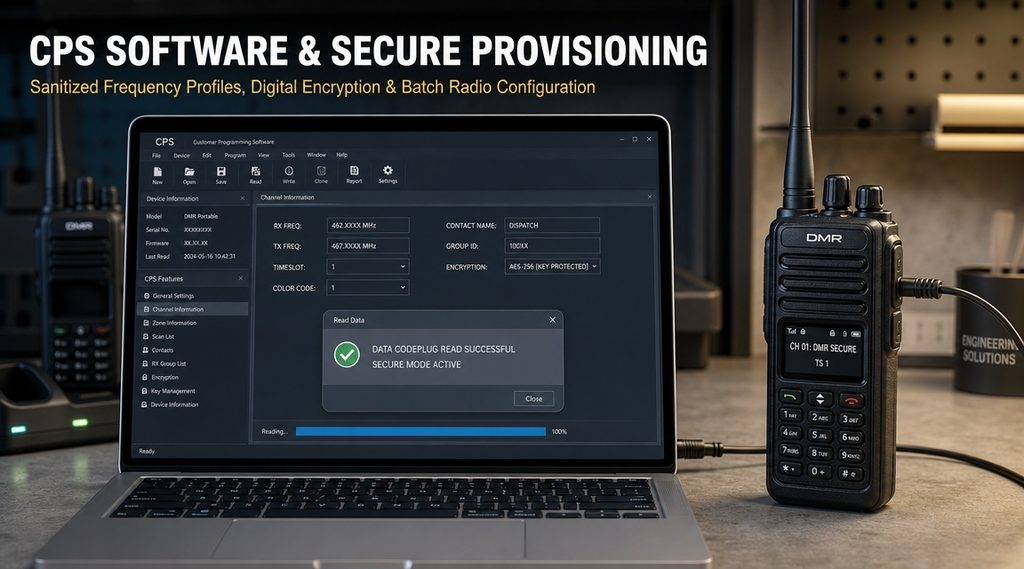
A DMR radio ID is not a name. It is the address the radio puts into every burst it transmits.
Because it is an address, two radios with the same one are not “confusing”. They are indistinguishable to the system.
This guide covers the addressing rules, how individual and group calls use them, and how to build an ID plan that survives growth.
It also covers batch writing, the ledger you need afterwards, and how to find a duplicate before a user reports it.
What the ID actually is
The ID sits in the call control layer, next to the destination. Every transmission carries both a source and a destination address.
The address space
DMR addressing is a numbered range rather than a naming scheme. The DMR Association quotes the trunking specification directly on this point.
TS 102 361-4 Annex G requires every radio to be able to call any valid ID within the addressable range of 000 001 to 16 776 415.
The same requirement covers individual and talkgroup addresses. Both live inside that one range.
| Range | Use | Notes |
|---|---|---|
| 000 001 to 16 776 415 | Individual and talkgroup addresses | Your planning space |
| 16 777 213 | ALLMSIDL | Reserved all-call address |
| 16 777 214 | ALLMSIDZ | Reserved all-call address |
| 16 777 215 | ALLMSID | Reserved all-call address |
What travels with every transmission
The source address identifies the sender. The destination address identifies who should hear it.
Supplementary data rides alongside. Talker alias, position and status messages all depend on that source address being unique.
So a duplicate does not just affect voice. It corrupts every log, map pin and status field tied to that number.
Two kinds of address in one range
Individual addresses point at one radio. Talkgroup addresses point at a group of radios.
They share the same numbering space. That single fact is the root of most ID collisions in growing fleets.
If one team numbers radios from 1 upwards and another numbers talkgroups from 1 upwards, the two plans meet in the middle.
Individual call: addressing one radio
An individual call puts one radio’s address in the destination field. Only that radio is meant to unmute.
How the call is set up
The calling radio sends a request to the target address. The target acknowledges, and the channel is granted.
In a trunked system the controller handles the grant. In conventional Tier II the repeater simply passes the signalling through.
Two setup styles
The standard defines an off-air call set up and a full off-air call set up. The difference is when the voice path opens.
One opens the path as soon as the target answers. The other confirms the whole path first, then opens it.
The practical difference is the delay before the first syllable. For slow talkers it does not matter; for fast dispatch it does.
What the called radio does
A radio hears an individual call only if the destination matches its own address. Everything else is ignored.
That is why two radios with one DMR radio ID both answer. Neither can tell it was meant for the other.
When to use it
Use individual calls for supervision, for a private word, and for anything that should not occupy a talkgroup.
Do not use them for routine coordination. A group call reaches everyone in one press; twenty individual calls take twenty presses.
What happens when the target is busy
The call is refused rather than queued. The caller hears a busy indication and decides whether to retry.
That behaviour is deliberate. A queue would hide the fact that the person is already talking to someone else.
It also means an individual call is a poor way to reach a supervisor in a crisis. Use a talkgroup and accept that everyone hears it.
Group call: addressing many radios at once
A group call replaces the individual destination with a talkgroup address. Every radio carrying that address unmutes.
The receive group list
Each radio holds a list of talkgroups it will accept. The list, not the dial, decides what the user hears.
A radio can transmit to one talkgroup and still receive several. This is how a supervisor monitors two teams without changing channel.
Attachment in a trunked system
In Tier III a radio must attach to a talkgroup before it can take part. Until the attach completes, that talkgroup is not available to it.
Attachment also tells the network which individual address belongs to that group. Group membership is therefore built on unique individual addresses.
A radio may attach to one or more talkgroups. The network uses the list to decide which sites carry the call.
Late entry
Late entry lets a radio join a call already in progress. It receives the call parameters and unmutes mid-transmission.
The feature depends on the radio knowing the talkgroup address in advance. It cannot invent membership on the fly.
All-call and broadcast: the addresses you must not borrow
Three addresses sit above the planning range. None of them is a radio, and none of them should be programmed as one.
The three reserved addresses
The standard reserves 16 777 213, 16 777 214 and 16 777 215 for all-MS calls. The DMR Association lists them by name.
If someone assigns a DMR radio ID in that neighbourhood as a convenient round number, the radio will behave strangely.
Others may hear it as a system-wide call. It may also fail to answer individual calls addressed to it.
Broadcast is not the same thing
A broadcast call is a one-way transmission to a group. Nobody in the group is expected to reply.
An all-MS call goes wider still. Reserve both for genuine announcements and keep them off routine channels.
Neither is a substitute for a well-built talkgroup plan. If you need everyone, build a talkgroup; do not reach for the top of the range.
What a duplicate actually does
A duplicate DMR radio ID does not cause an error message. It causes quiet, plausible, wrong behaviour.
Private calls land twice
Call the ID and both radios ring. Whoever presses first answers, and the other closes without a trace.
The caller has no way to know. The log records one call to one address, so the evidence disappears.
Dispatch and logs merge
A console shows one entry per address. Two people become one line, one history and one position.
Position reports overwrite each other. Over a shift, the map shows a single unit that appears to teleport.
Stun, kill and radio check hit the wrong radio
These functions address a single radio by its DMR radio ID. With a duplicate, the command reaches both.
Disabling a lost radio can therefore disable a working one in someone’s hand. That is the most expensive version of this fault.
Registration conflicts in a trunked system
In Tier III the radio registers its individual address with the controller. Two radios presenting one address compete for the same identity.
Symptoms vary by vendor: one radio may be refused, both may flap in and out, or the second may silently take over the first.
Ask the controller log before touching the radios. It usually names the address and the site.
Building an ID plan that survives growth
The plan is cheap to write at the start and expensive to retrofit. Write it before the first radio is programmed.
Decide the structure first
Choose what the digits mean. Site, department, function or seniority are the usual axes.
Pick one axis as the leading block. Mixing axes produces numbers nobody can read at a glance.
Then decide the size of each block. A block of ten fills within a year; a block of a thousand never needs rewriting.
A worked block plan
The example below is a numbering convention, not a standard. Any consistent scheme will do.
| Block | Address range | Assigned to |
|---|---|---|
| Site 1 radios | 100 001 to 100 999 | Plant one, all departments |
| Site 2 radios | 200 001 to 200 999 | Plant two, all departments |
| Mobile and fixed | 800 001 to 800 199 | Vehicles, control room, gate |
| Spare pool | 900 001 to 900 999 | Temporary and replacement units |
| Talkgroups | 5 000 001 to 5 999 999 | Groups, never radios |
Separating talkgroups into their own high block is the single most useful decision in the table. It makes a collision obvious on sight.
Rules that keep it clean
- One address, one radio, for its whole life.
- Never reissue an address within the same year.
- Never give a talkgroup an address inside a radio block.
- Keep the top of the range empty.
- Record the address before the radio leaves the bench.
Why reissue is the risky one
Reusing an address looks harmless once the old radio is scrapped. The history does not disappear with it.
Old position logs, old call records and old aliases still point at that number. A new holder inherits all of it.
Wait at least a year, and note the reissue in the ledger when you do it.
Batch writing
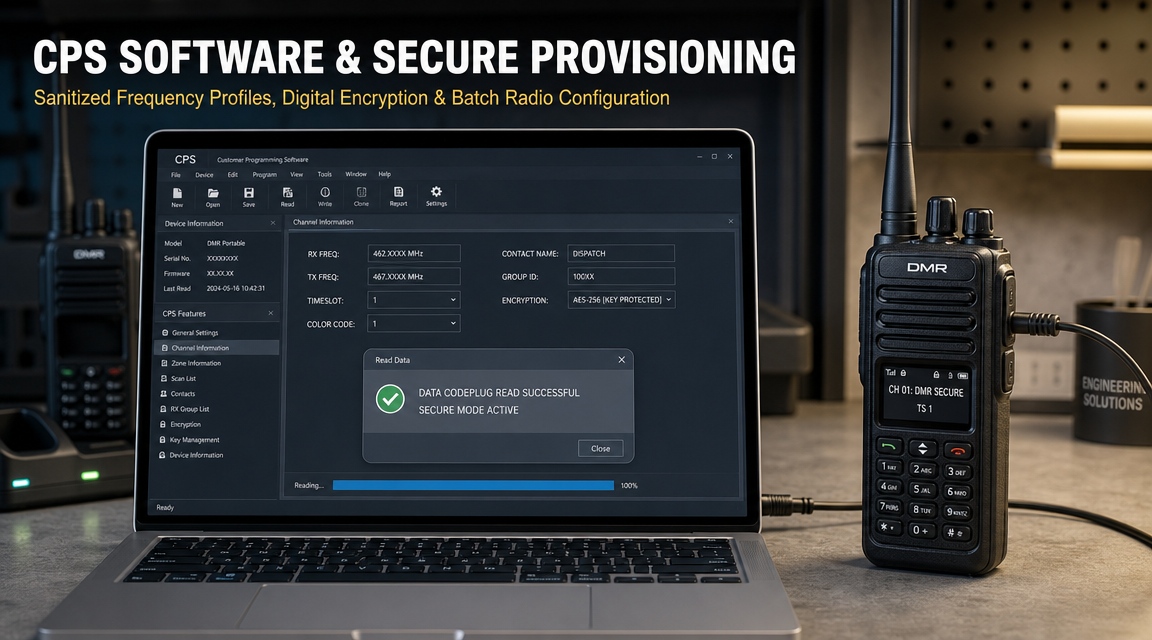
Writing IDs one radio at a time is where most duplicates are born. Batching removes the human from the loop.
Prepare the data, not the radios
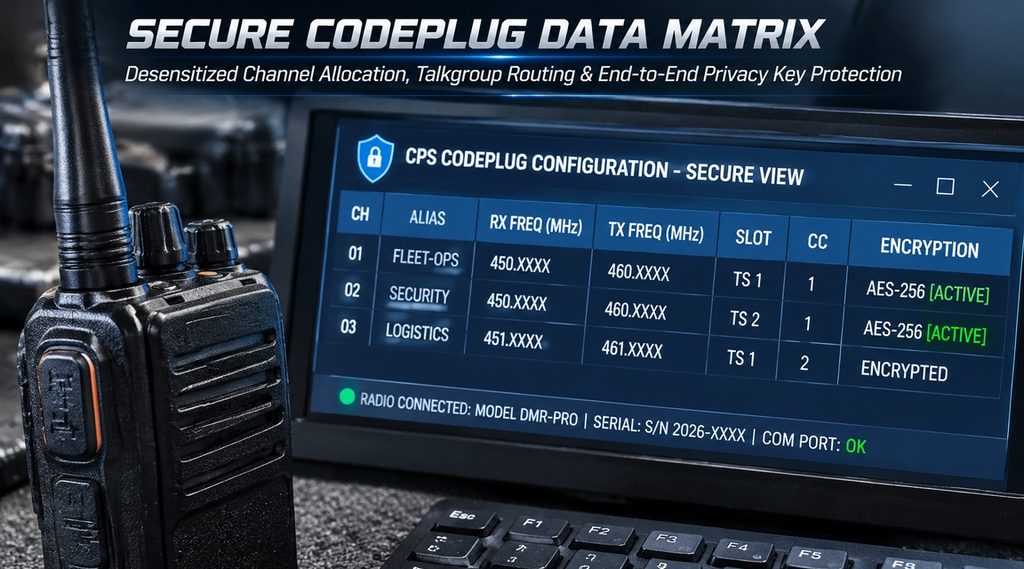
Build the list in a spreadsheet first. One row per radio, one column per field the software expects.
Check the list before it touches hardware. Duplicates, gaps and out-of-block numbers are all visible in a column sort.
Sort the address column ascending and walk down it once. Any repeat is now obvious.
Import, write, read back
Most programming software imports a delimited file and maps columns to fields. Match the column order exactly.
Write the batch, then read one unit back and compare. Reading back is the only proof that the radio holds what you sent.
Read back a unit from the start, one from the middle and one from the end. That catches a shift in the row order.
Template versus clone
A template writes a full profile to each radio and changes the DMR radio ID per unit. It is the safer default.
Cloning copies one radio’s memory into another. It is fast, and it copies the address too unless the software strips it.
If you clone, clone from a donor that is not in service, then write unique addresses afterwards.
When a radio refuses the write
Check the DMR radio ID first. Some tools reject an address that already exists in the codeplug or sits outside the allowed block.
Then check the cable and the port. A half-written codeplug usually means the connection dropped, not that the data was wrong.
Rewrite that unit alone before continuing the batch. A partial batch is easier to audit than a partial radio.
The ledger
A spreadsheet is enough, as long as it is the only copy and someone owns it.
Fields that matter
| Field | Why it earns its column |
|---|---|
| Address | The number itself, stored as text so leading zeros survive |
| Serial number | Proves which physical radio holds the address |
| Model and firmware | Explains behaviour differences after an upgrade |
| Talkgroups | Shows what the unit is expected to hear |
| Holder and department | Answers “whose radio is this” in one lookup |
| Issue date | Starts the clock on warranty and on reissue waiting time |
| Status | In service, spare, repair, scrapped, lost |
| Programmed by | Names the person to ask when a unit is wrong |
Store the address as text
Spreadsheets strip leading zeros from numbers. An address written 000 123 becomes 123 and no longer matches the radio.
Format the column as text before typing anything into it. Fixing it afterwards means re-entering every row.
Who owns it
One named person, plus one deputy. Shared ownership means nobody updates the column.
The owner approves new blocks, signs off reissues and keeps the file where the next person can find it.
What to record at handover
Record the address, the serial and the holder on the same line, at the moment of issue.
Do it in front of the user. A ledger written from memory a week later is a ledger of guesses.
Why the alias column earns its place
Talker alias is usually looked up from the address in the dispatch database. The ledger and the database must agree.
Add an alias column and fill it at the same time as the DMR radio ID. When the two drift, a user sees a colleague’s name on their own transmission.
Tracing a collision
Most collisions are found by users, not by engineers. The job is to confirm the cause quickly and fix it remotely.
Symptom to cause
| Symptom | Likely cause |
|---|---|
| Two radios answer one private call | Duplicate individual address |
| Console shows one unit for two people | Duplicate address in the dispatch database |
| Position jumps between two places | Two units reporting under one address |
| One radio refused at registration | Address already registered on the system |
| Talker alias shows the wrong name | Address matched to the wrong alias record |
| Stun disabled the wrong radio | Duplicate address, command reached both |
The audit procedure
Start from the log, not from the fleet. Pull the call records for the address and look for two serial numbers.
If the log does not carry serials, read the address back from every suspect radio. Ten units takes minutes with a cable.
Compare against the ledger before concluding. A gap in the ledger looks exactly like a duplicate until you check.
Fixing it without a site visit
Reprogram the newer or less critical unit into a free address from the spare block. Leave the other unit untouched.
Then update the ledger and the dispatch database in the same session. Fixing the radio and not the database recreates the fault.
If the unit is remote and the system supports over-the-air programming, use it. Otherwise schedule the visit and log the risk.
Frequently asked questions
Can two radios share an address if they never transmit together?
No, because the system cannot see your shift pattern. The moment both are on, the logs merge and private calls split.
Shared addresses also break stun and radio check, which are the functions you need most on the day a radio is lost.
Does a duplicate affect encryption?
Not directly. Keys are separate from addressing, so both radios still decrypt correctly.
But the audit trail becomes useless. You can no longer prove which unit sent a given encrypted transmission.
Can an address be changed after deployment?
Yes, and it is a normal maintenance task. It needs a cable or an over-the-air session, plus a ledger update.
Change it out of hours if the radio is on a talkgroup that carries emergency traffic.
Do talkgroups need unique addresses across sites?
Within one system, yes. Two talkgroups sharing an address become one talkgroup in practice.
Across independent systems the addresses can repeat, but a shared plan costs nothing and avoids work later.
What about a fleet from two vendors?
The address range is common, so the plan carries across. What differs is where the field sits in each programming tool.
Test one unit per vendor on the same talkgroup before the batch. Interoperability is certified at the protocol level, not at the data-entry level.
How many IDs should we reserve?
Reserve at least twice the current fleet. Growth is cheaper to absorb in a block than in a renumbering project.
Keep a spare block that is never issued to a department. It is what you use when a duplicate needs a quick home.
Where to start
Three steps, in this order: write the block plan, build the spreadsheet, then program the first batch.
Every step after that is maintenance. The plan is what stops the maintenance from becoming a project.
If you are inheriting a fleet with no ledger, audit ten radios first. That sample tells you whether the problem is one unit or the whole scheme.
Contact us
Send us your fleet list and the talkgroup plan. We will check the addressing scheme before the next batch is written.
Contact our sales manager directly.
Sales Manager: Kevin
WhatsApp: +852 60731163
WeChat: +8616623617128
Email: fengfanannie@163.com